How it works
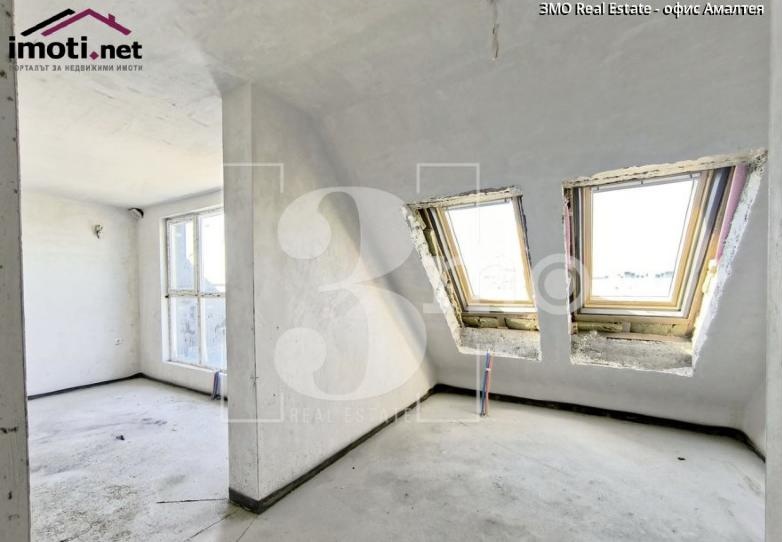
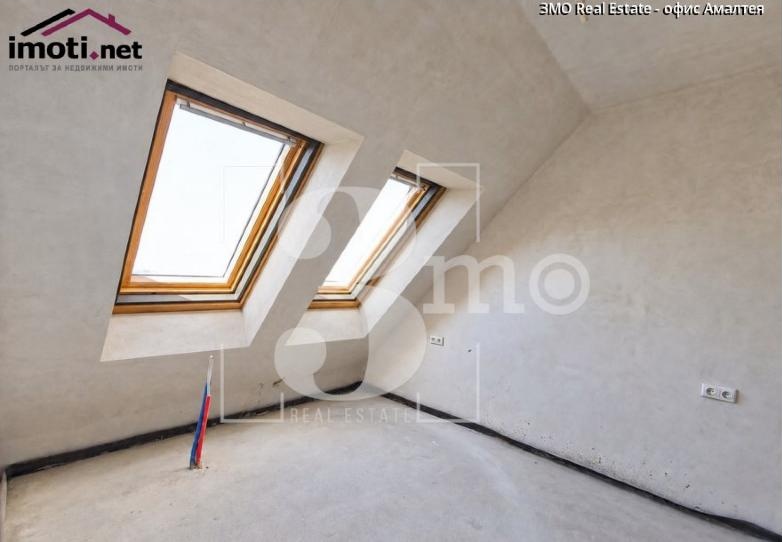
- The buyer presses “See it furnished” under the photo.
- YoDecor opens over the page with that photo. The buyer picks a room type and a style from a fixed list.
- They see the room furnished. Walls, windows and floor stay the same. They can try another style.
- The result is marked “virtually staged”. The original photo on the listing does not change.
Each combination is made once. Photo + room type + style is rendered for the first buyer. Everyone after sees it at once, with no new render.
The cost is capped. At most listings × styles, plus a daily limit on new renders per visitor and per site.
On your site: one line of code in the listing template. No changes to the listings database or the photos.